With Gmail and Google Calendar sync, Dex keeps tabs on all your email exchanges and upcoming meetings!Gmail Account Sync
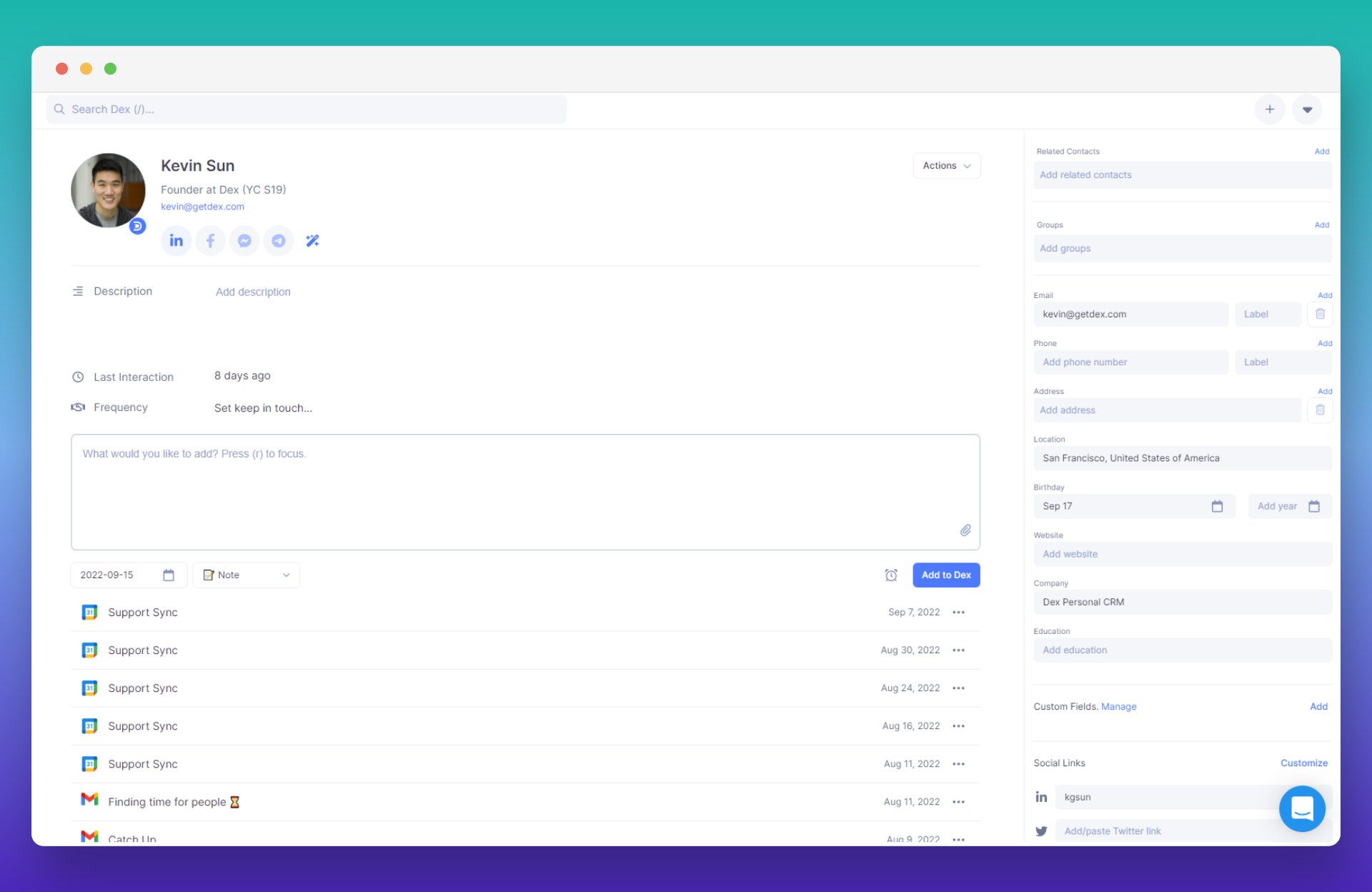
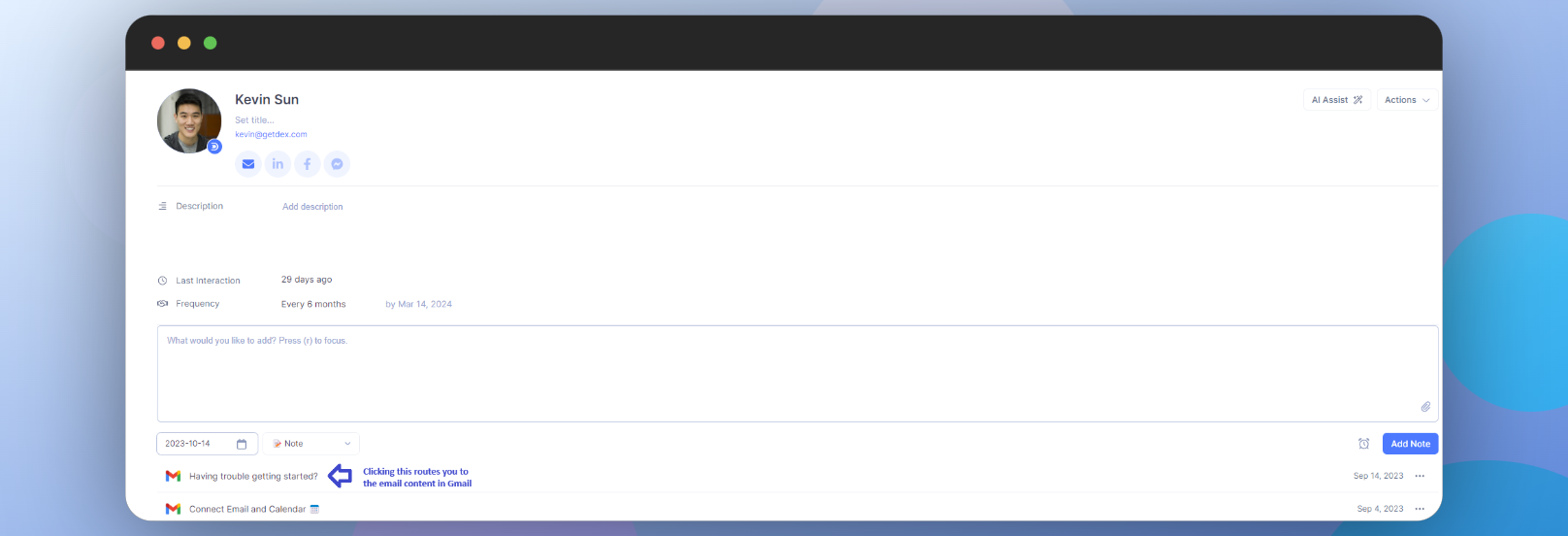
Dex’s integration with your Gmail Account streamlines your communication flow, letting you view relevant threads, update the last interaction, and get a complete picture of where you left off. Learn how to set this up in the Gmail Account Sync Guide
-
The sync displays metadata only, revealing the subject and date/time of the email.
-
Initial synchronization may take a few hours, with subsequent syncs completing in under 2 minutes.
Currently, only Gmail and G Suite accounts are supported.
Non-Gmail Accounts
If you’re using non-Gmail accounts, you can sync your emails by CC/BCC’ing your unique Dex email address! Learn more about this feature here!Google Calendar Sync
By linking your calendars, you can:
- Access relevant calendar events for a contact.
- Search and view across multiple calendars for a contact.
- Automatically update the last interaction based on calendar events.
- Easily add notes to calendar events.
Learn how to enable Google Calendar Sync here.